Mask Fabrication
This module provides tools for fabricating masks for lensless imaging. Check out this notebook on Google Colab for how to use this module.
This masks are meant to be used with a mount for the Raspberry Pi HQ sensor (shown below). The design files can be found here.
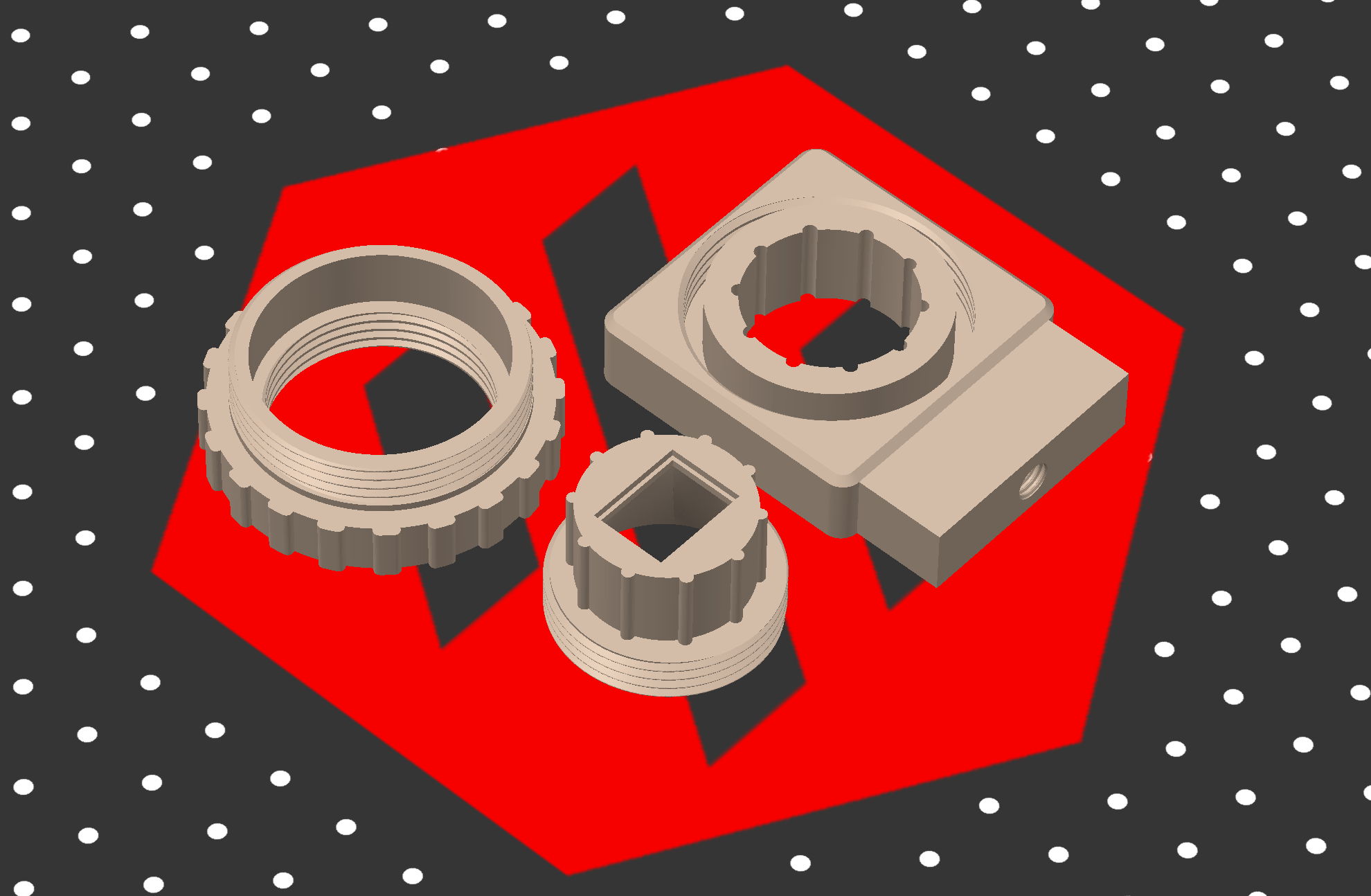
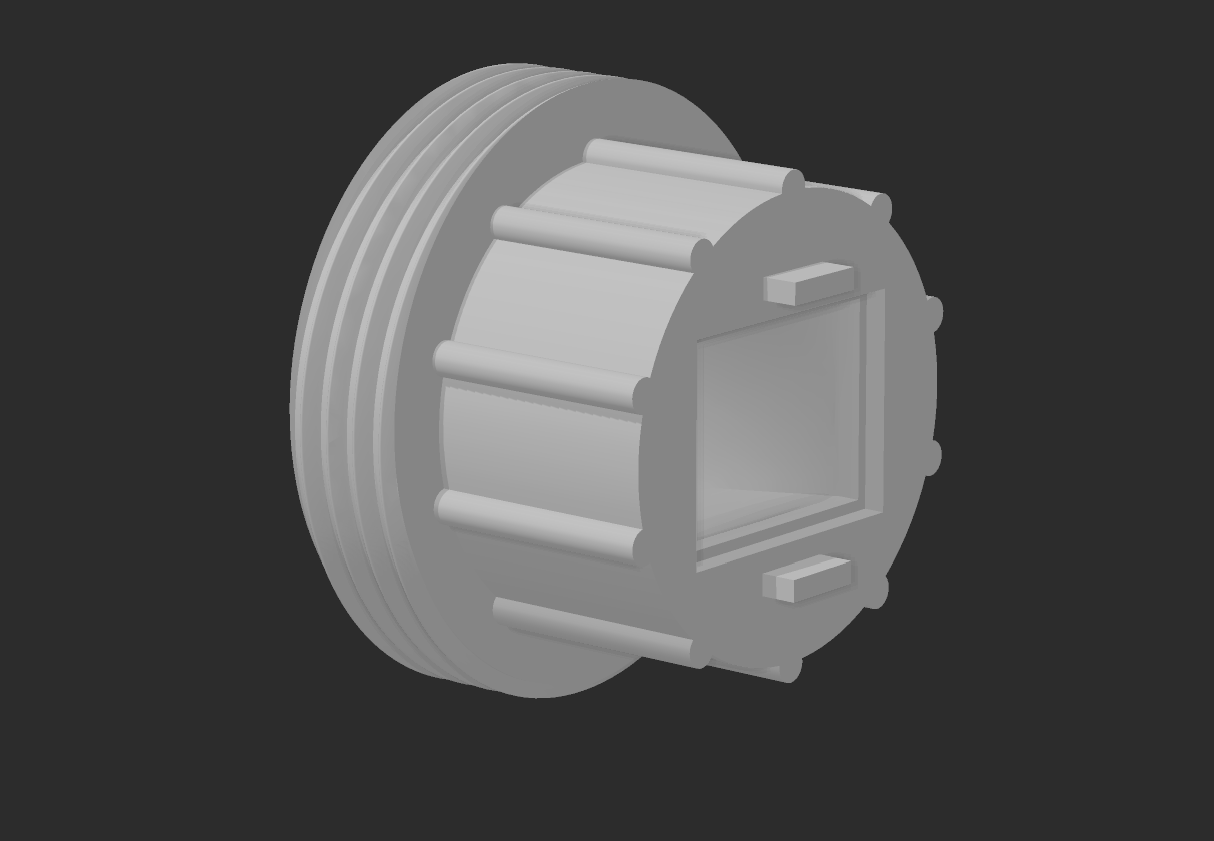
Note that the most recent version of the mount looks like this, with the addition of stoppers, to prevent the mask from scratching the Pi Camera. This new version of the mount can be found here
Mask3DModel
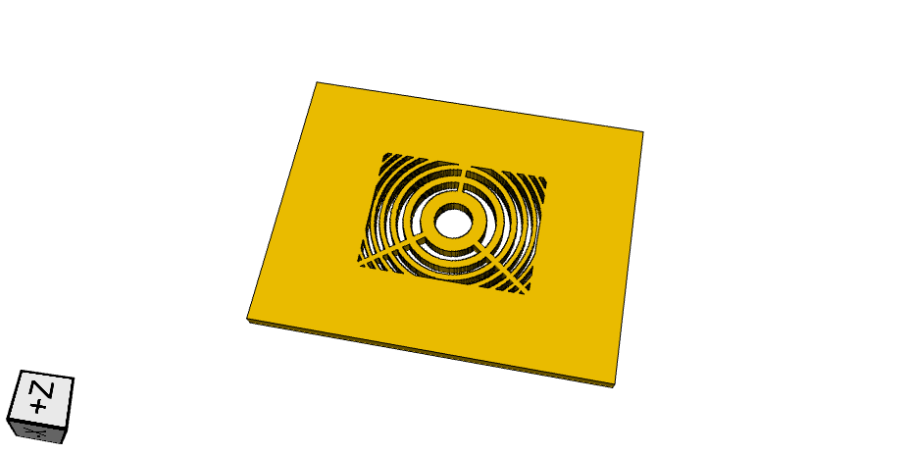
Below is a screenshot of a Fresnel Zone Aperture mask that can be designed with the above notebook
(using simplify=True).
- class lensless.hardware.fabrication.Mask3DModel(mask_array: ndarray, mask_size: Union[tuple[float, float], ndarray], height: Optional[float] = None, frame: Optional[Frame] = None, connection: Optional[Connection] = None, simplify: bool = False, show_axis: bool = False, generate: bool = True)[source]
- __init__(mask_array: ndarray, mask_size: Union[tuple[float, float], ndarray], height: Optional[float] = None, frame: Optional[Frame] = None, connection: Optional[Connection] = None, simplify: bool = False, show_axis: bool = False, generate: bool = True)[source]
Wrapper to CadQuery to generate a 3D model from a mask array, e.g. for 3D printing.
- Parameters
mask_array (np.ndarray) – Array of the mask to generate from. 1 is opaque, 0 is transparent.
mask_size (Union[tuple[float, float], np.ndarray]) – Dimensions of the mask in meters.
height (Optional[float], optional) – How thick to make the mask in millimeters.
frame (Optional[Frame], optional) – Frame object defining the frame around the mask.
connection (Optional[Connection], optional) – Connection object defining how to connect the frame to the mask.
simplify (bool, optional) – Combines all objects in the model to a single object. Can result in a smaller 3d model file and faster post processing. But takes a considerable amount of more time to generate model. Defaults to False.
show_axis (bool, optional) – Show axis for debug purposes. Defaults to False.
generate (bool, optional) – Generate model on initialization. Defaults to True.
- classmethod from_mask(mask: Mask, **kwargs)[source]
Create a Mask3DModel from a Mask object.
- Parameters
mask (
Mask) – Mask object to generate from, e.g.CodedApertureorFresnelZoneAperture.
- generate_3d_model()[source]
Based on provided (1) mask, (2) frame, and (3) connection between frame and mask, generate a 3d model.
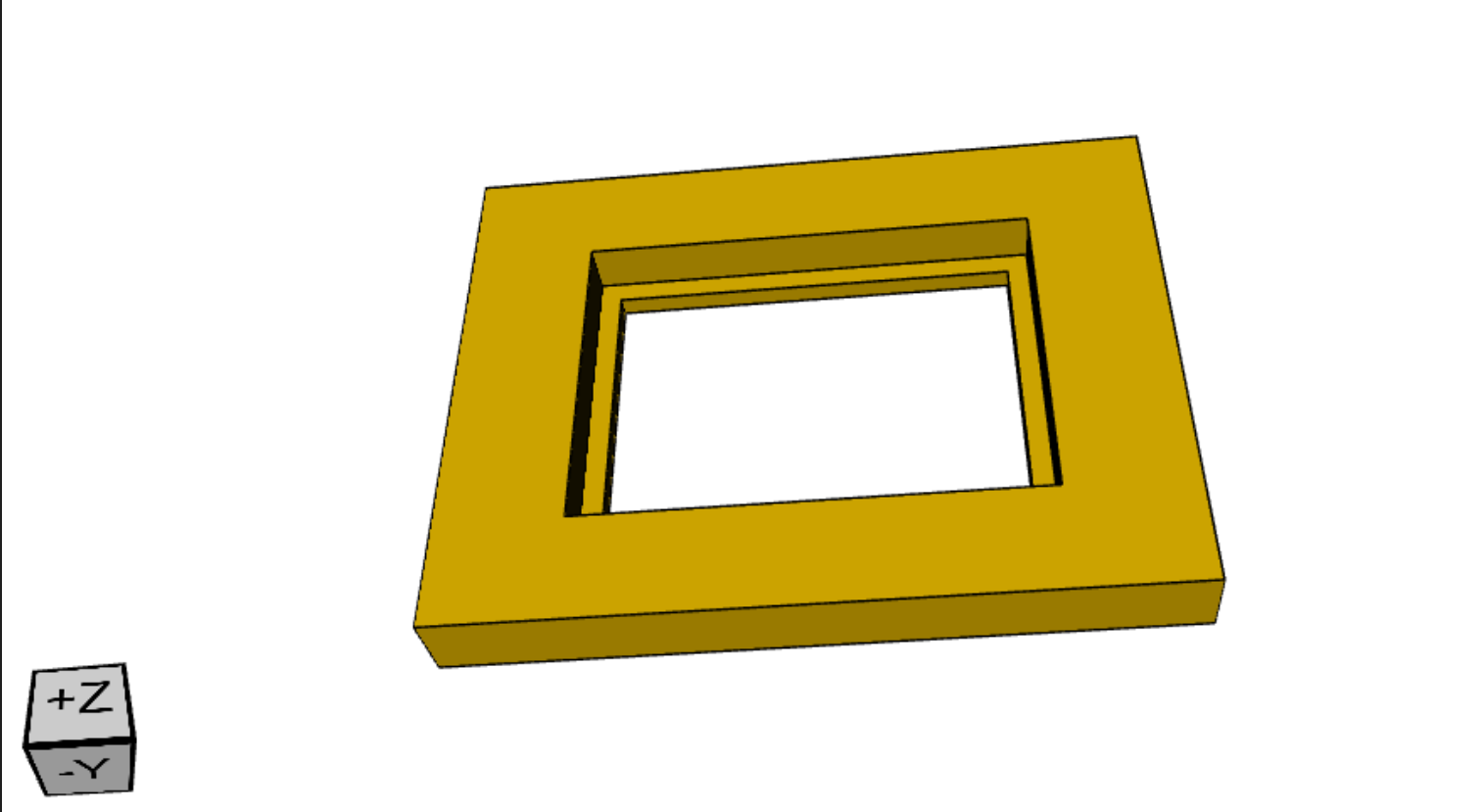
Because newer versions of the masks’ size are smaller, the following adapter enables them to be used with the current mounts design.
MultiLensMold
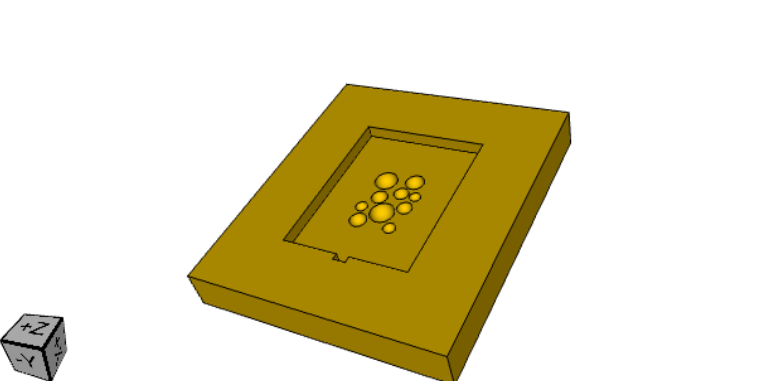
Below is a screenshot of a mold that can be designed for a multi-lens array with the above notebook.
Note: We were not successful in our attempts to remove the mask from the mold (we poured epoxy and it was impossible to remove the mask from the mold). Perhaps the mold needs to be coated with a non-stick material.
- class lensless.hardware.fabrication.MultiLensMold(sphere_locations: ndarray, sphere_radius: ndarray, mask_size: Union[tuple[float, float], ndarray], mold_size: tuple[int, int, int] = (0.04, 0.04, 0.003), base_height_mm: Optional[float] = 0.5, frame: Optional[Frame] = None, simplify: bool = False, show_axis: bool = False)[source]
- __init__(sphere_locations: ndarray, sphere_radius: ndarray, mask_size: Union[tuple[float, float], ndarray], mold_size: tuple[int, int, int] = (0.04, 0.04, 0.003), base_height_mm: Optional[float] = 0.5, frame: Optional[Frame] = None, simplify: bool = False, show_axis: bool = False)[source]
Create a 3D model of a multi-lens array mold.
- Parameters
sphere_locations (np.ndarray) – Array of sphere locations in meters.
sphere_radius (np.ndarray) – Array of sphere radii in meters.
mask_size (Union[tuple[float, float], np.ndarray]) – Dimensions of the mask in meters.
mold_size (tuple[int, int, int], optional) – Dimensions of the mold in meters. Defaults to (0.4e-1, 0.4e-1, 3.0e-3).
base_height_mm (Optional[float], optional) – Height of the base in millimeters. Defaults to 0.5.
frame (Optional[Frame], optional) – Frame object defining the frame around the mask.
simplify (bool, optional) – Combines all objects in the model to a single object. Can result in a smaller 3d model file and faster post processing. But takes a considerable amount of more time to generate model. Defaults to False.
show_axis (bool, optional) – Show axis for debug purposes. Defaults to False.